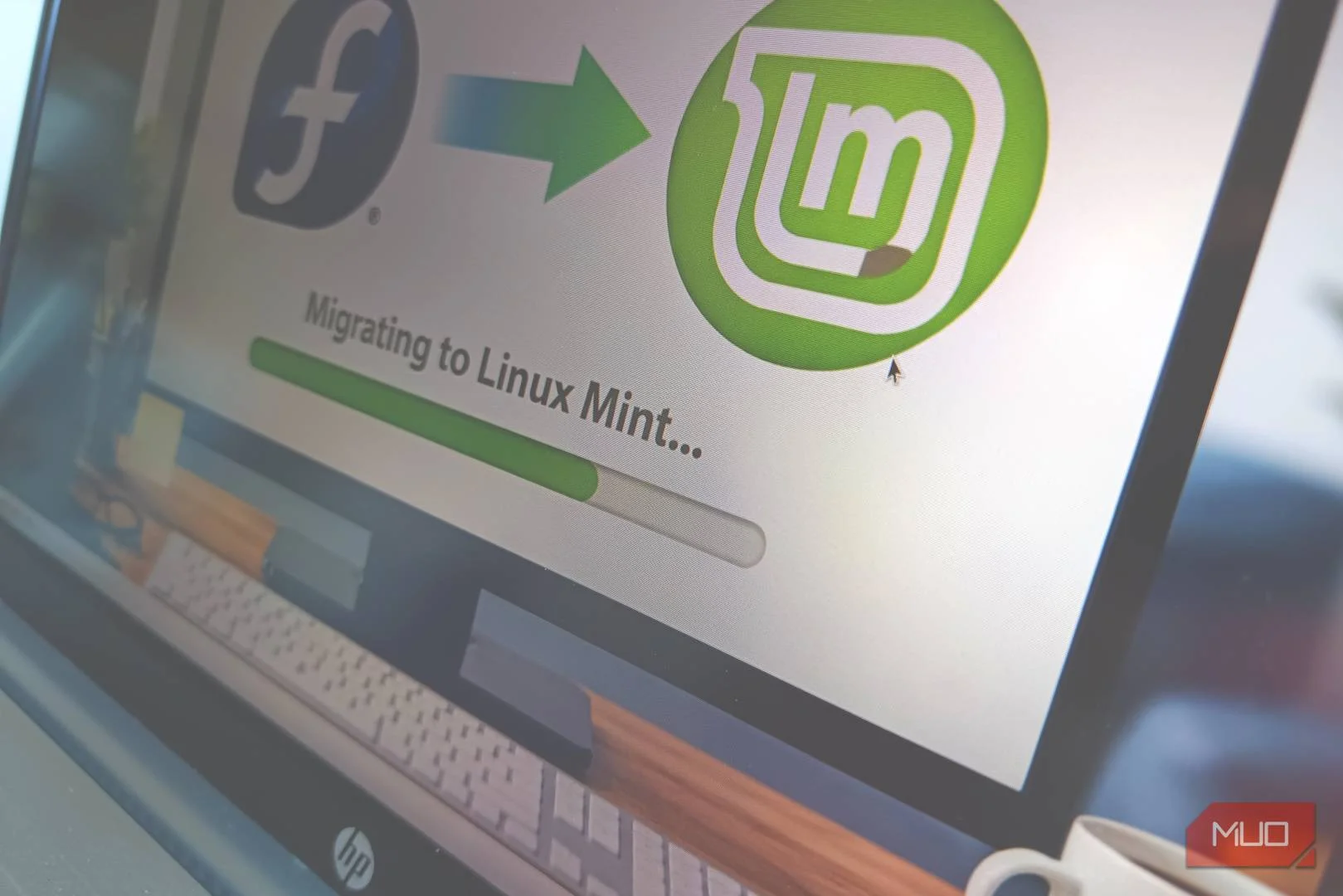

I have a confession that will shock absolutely nobody: I distro-hop. Not recklessly, not every weekend, but with the quiet curiosity of someone who has broken just enough systems to know better and still does it anyway. For quite a while, Fedora Linux held the daily driver crown on my main machine. It is polished, forward-thinking, and generally behaves like it has its life together.
But daily driving an operating system is not just about technical excellence. It is about how the system feels after weeks of real work. After another round of “I am just testing this quickly” energy, I found myself back on Linux Mint. This time, though, something unusual happened. I stopped looking for the next exit ramp.
Fedora did a lot right, but the friction never fully disappeared
Small daily annoyances matter more than headline features
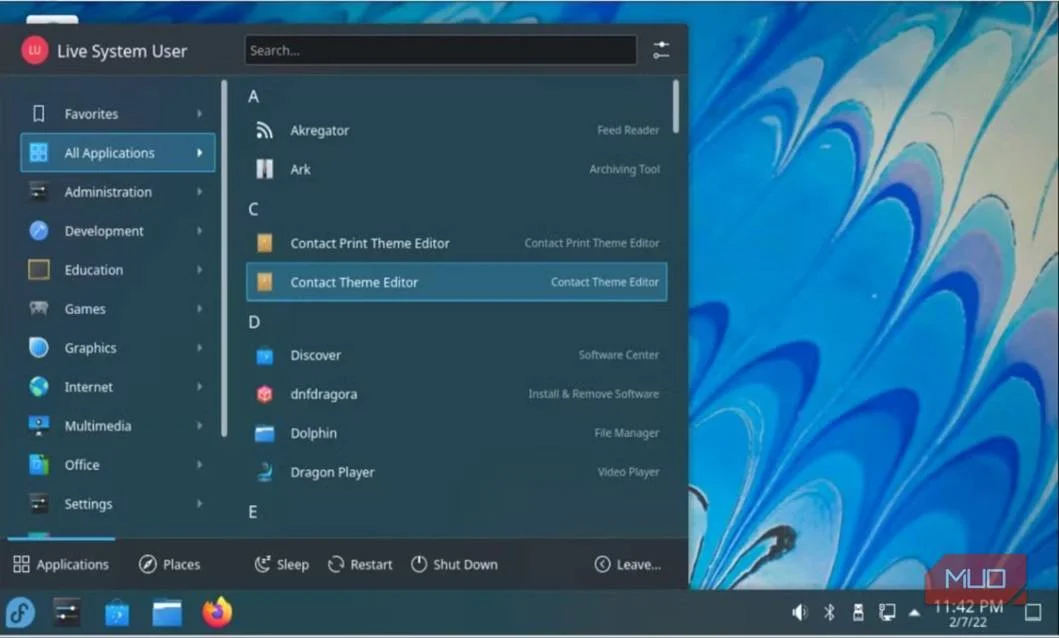
Let me start by being fair. Fedora is excellent. Hardware support was strong on my setup, performance was snappy, and the project clearly knows where it wants to go. If you like living reasonably close to the cutting edge without going full rolling-release chaos, Fedora is a very compelling place to be. But over time, small friction points started to stack up.
Fedora moves fast. That is part of its DNA. But faster-moving bases also mean more frequent change, more subtle shifts in behavior, and more moments where something feels slightly different from it did last month. None of this broke my system. It just kept me from fully relaxing into the machine.
Then there is GNOME. I respect GNOME. I genuinely do. But my workflow and GNOME’s design philosophy have always maintained a polite but emotionally distant relationship. I can work inside it. I just never quite feel at home there. Over months of daily use, Fedora started to feel less like a quiet workhorse and more like a system I was actively managing. That is a subtle distinction, but it matters when the machine is supposed to support your work, not become part of it.
Why Linux Mint pulled me back in
Sometimes boring stability is exactly what you need
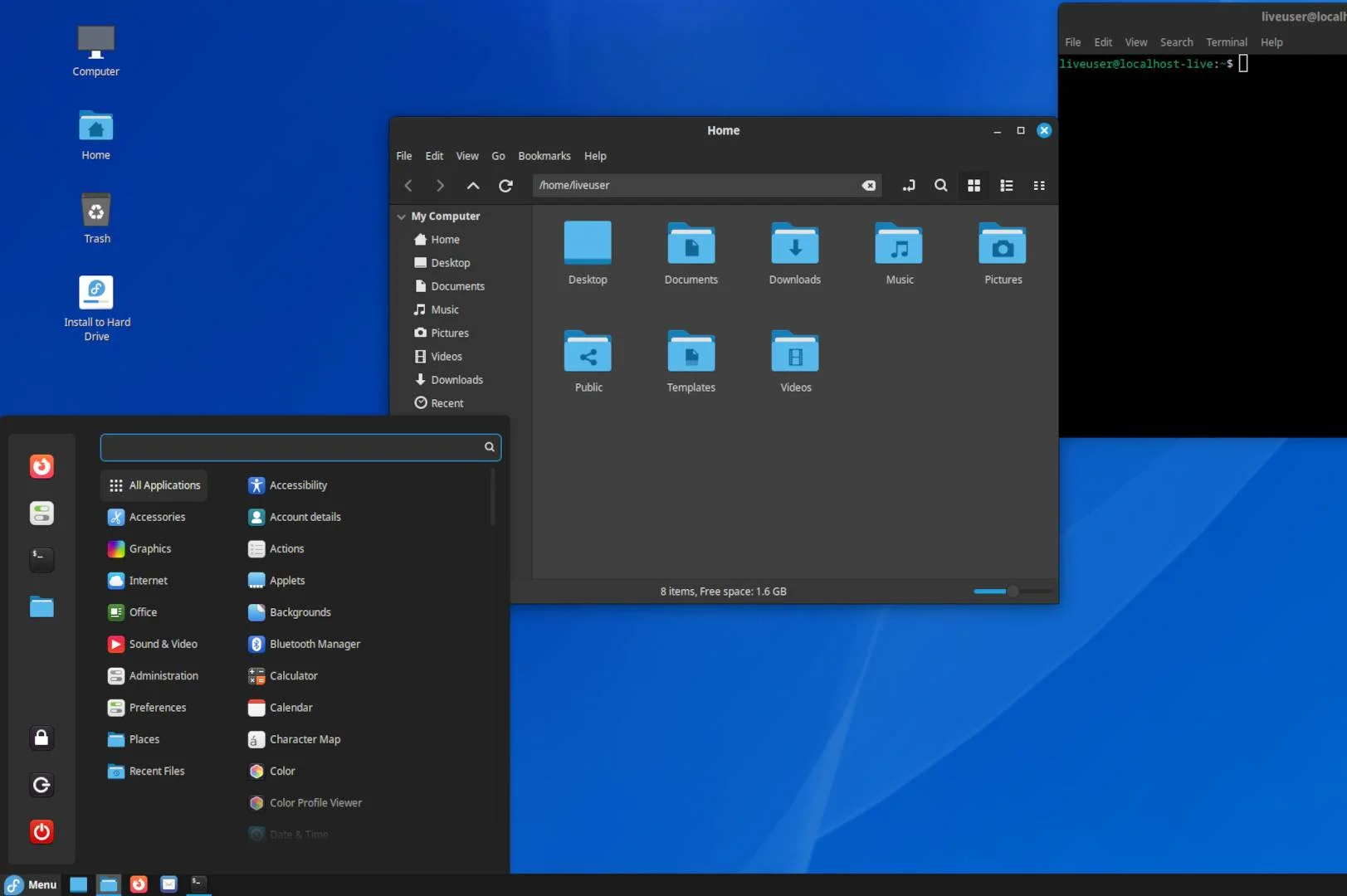
Linux Mint has always hovered in my peripheral vision. It is rarely the loudest distro in the room, and it does not spend much time trying to impress power users with shiny new plumbing. What it does have is a long-standing reputation for stability and sanity. What pushed me to give Mint another serious run was simple fatigue.
I wanted a system that felt predictable. I wanted updates that did not feel like gentle background suspense music. And, if I am being honest, I wanted a desktop that did not require philosophical alignment before breakfast. So I installed Mint again. Fresh setup, clean slate, and reasonable expectations. Within the first few days, the biggest thing I noticed was not excitement. It was calm. The system behaved exactly how I expected it to behave, which in Linux land is sometimes the highest compliment you can give.

Linux Mint is a popular, free, and open-source operating system for desktops and laptops. It is user-friendly, stable, and functional out of the box.
Cinnamon fits how I actually use my desktop
Familiar workflows still matter more than design purity
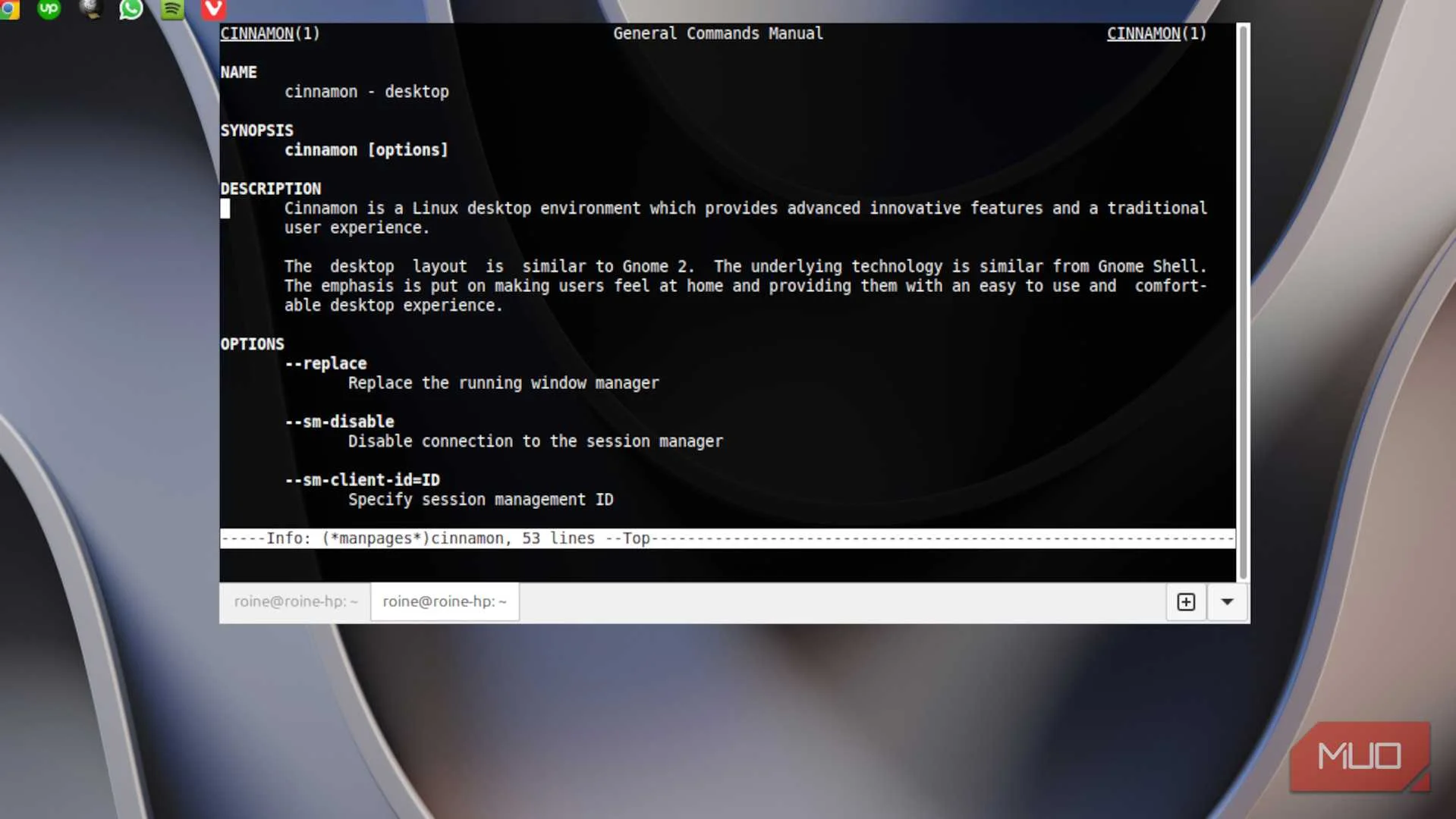
Moving from Fedora’s GNOME environment back to Cinnamon felt like slipping into a well-worn chair that your back already trusts. Everything important was immediately where my muscle memory expected it to be. Traditional panel. Sensible application menu. Window behavior that does not try to gently re-educate me about my life choices. Cinnamon does not try to be clever about your workflow. It just gives you a solid, predictable desktop and lets you get on with your day.
GNOME, to its credit, is extremely polished. If you fully buy into its workflow model, it can be very efficient. But that buy-in matters. Cinnamon requires far less mental negotiation. In practical terms, this meant fewer micro-adjustments during my workday. Less fiddling. Fewer moments of quiet irritation when something behaved differently than my hands expected. Over a full week of writing, research, and general desktop juggling, that reduction in friction added up fast.

Linux Mint released its best version yet, and it’s the ultimate Windows replacement
Zena makes Linux Mint a seamless Windows alternative today.
Mint’s update experience feels refreshingly calm
Fewer surprises make for a better daily driver
This is where the long-term difference really started to show. Fedora’s update cadence is not reckless, but it is energetic. You are closer to upstream change, which is fantastic if you want the newest bits quickly. For a daily driver focused on getting work done, though, I have grown increasingly fond of boring reliability. Linux Mint’s update strategy feels deliberately conservative in the best possible way. Updates arrive, but they rarely feel disruptive. I am not constantly wondering what subtle behavior might have shifted since last week.
What surprised me most was not that Mint is stable. Everyone already knows that. It is how quiet that stability feels in daily use. My system boots. It updates. It works. Then it politely steps out of the spotlight and lets me focus on actual work. That is exactly the relationship I want with my operating system right now.
The small quality-of-life touches quietly seal the deal
Thoughtful defaults make Mint easy to live with long-term
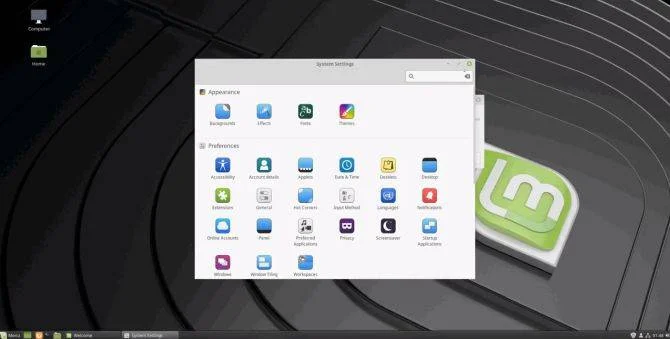
Here is where Mint quietly piles up wins without making a big marketing speech about it. The built-in tools feel cohesive. The settings layout makes sense. Routine system management tasks are straightforward without feeling overly simplified. Nothing about the experience feels like it is fighting me.
A few things that stood out during daily use: The Update Manager is clear and low stress, and the Driver Manager does exactly what it should without drama. Cinnamon’s settings are logically organized. And the tight Timeshift integration strongly encourages the kind of backups we all swear we are definitely doing regularly. None of these features alone made me switch.
Together, though, they created a system that feels intentionally designed for long-term desktop comfort rather than short-term technical flexing. Fedora often feels like a beautifully engineered platform. Linux Mint feels like a well-organized workspace that actually wants you to get things done. Right now, that difference is exactly why this particular distro switch is sticking.