
Google Maps has been the default for so long that nobody really questions it. I used it for years without thinking twice. Recently, I just got curious and decided to switch to Apple Maps full-time, and I have not gone back since.
That probably sounds crazy. Apple Maps has one of the worst launch stories in tech history. But it is 2026, and a lot has changed since then. The crazier thing is, you can even use it on your Android device now.
- OS
- iOS
- Developer
- Apple Inc.
- Price model
- Free
- Initial release
- September 19, 2012
Apple Maps in 2026 is not what it used to be
No seriously, it's actually good now
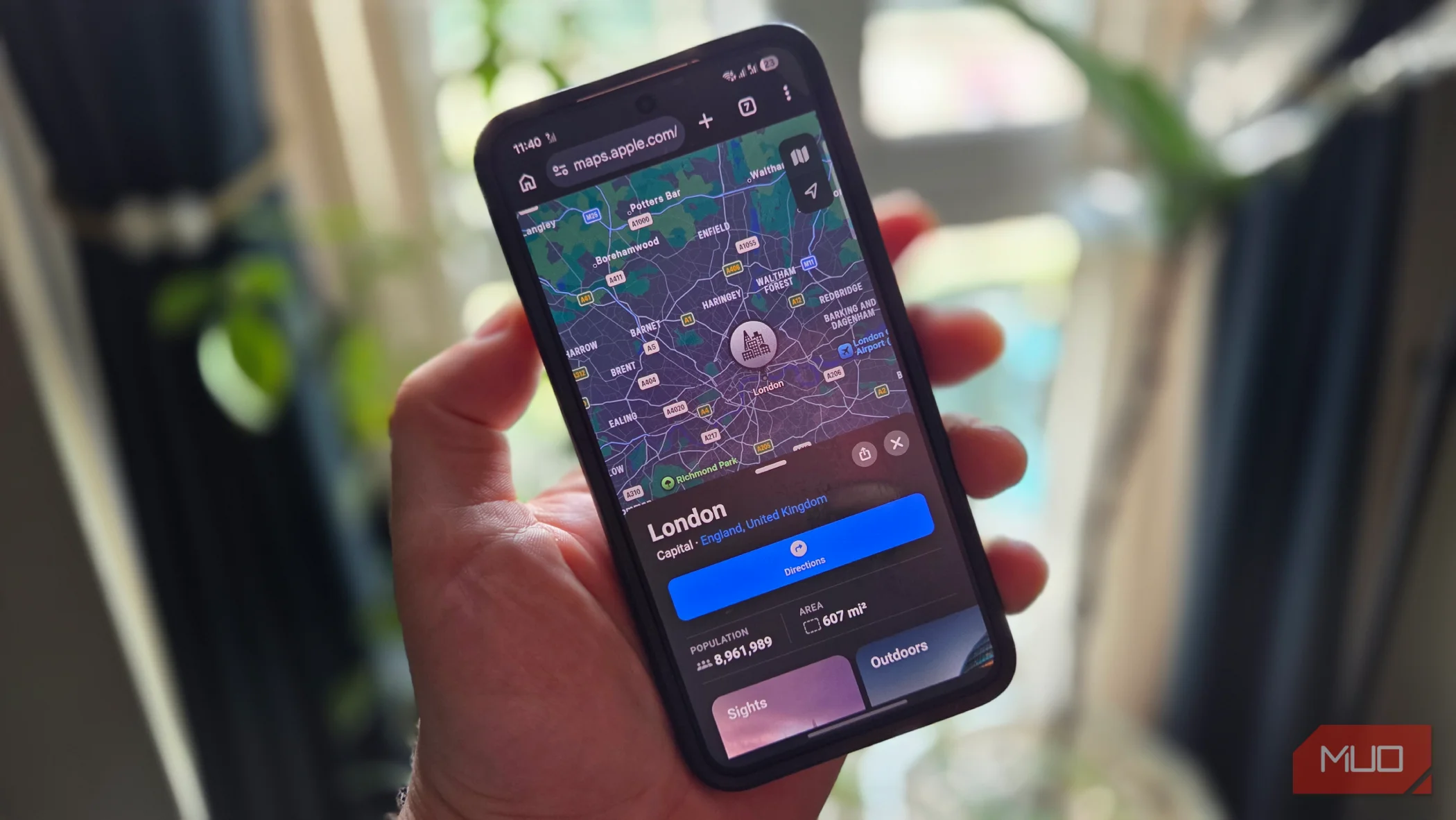
If you were using an iPhone in 2012, you probably already know about the origin story of Apple Maps. It was so bad at launch that it sent drivers down nonexistent roads; the maps were all messed up, and it was overall not even close to Google Maps at the time.
It got so bad that Tim Cook had to issue a rare public apology, and the executive behind Apple Maps was even fired. After that, Apple Maps just became an afterthought, and Google Maps remained the default, like always.
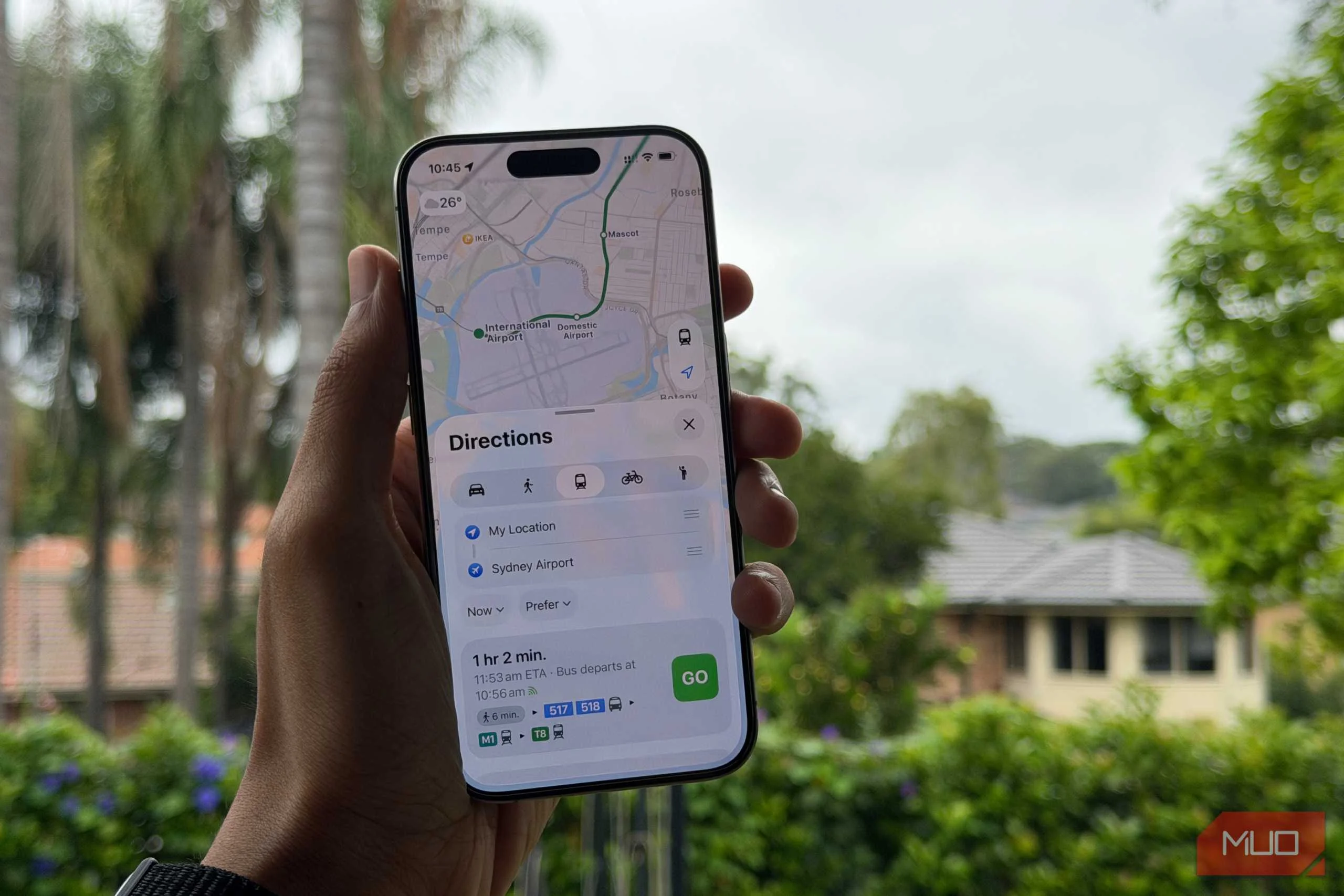
But over the last four years, I've been noticing that Apple has been rebuilding Maps from scratch, and it doesn't really feel like a joke anymore. Everything that I use Google Maps for, Apple Maps has it now. Public transit is my main use case, and it is completely covered. Real-time bus and metro timings, live departures, the whole thing.
It even has a Street View equivalent called Look Around, and it is better integrated into the app than Google Maps is (more on that later.) Offline maps are there. Lane guidance works. Speed cameras show up. EV charging stops are there if you need them.
Most people just never got the memo because the bad reputation stuck around longer than it deserved. The earlier comparisons do not hold up at all.

I've Dropped Google Maps in Favor of This Open-Source Alternative
You don't have to let Google scoop up all of your location data.
It actually beats Google Maps in a lot of areas
The 2012 disaster is ancient history now
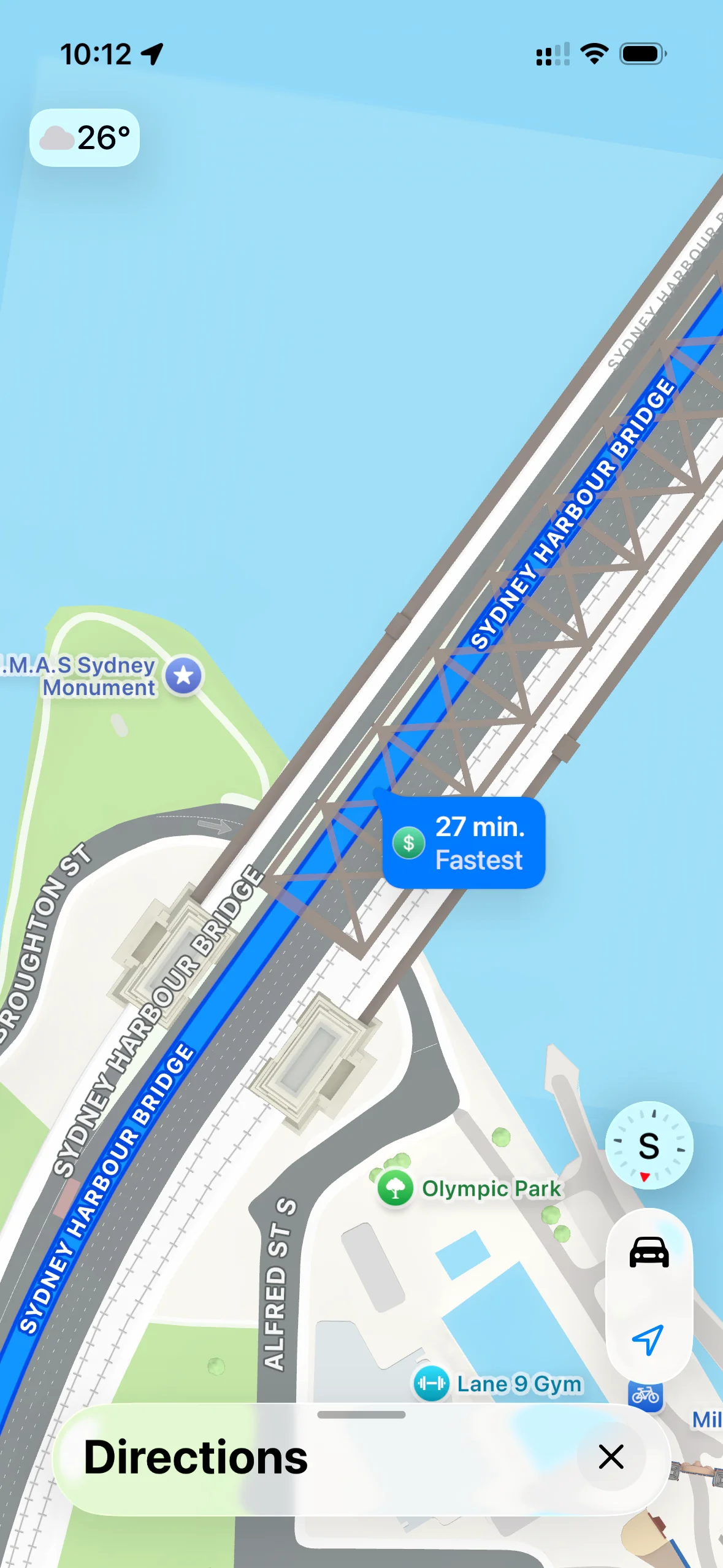
My biggest issue with Google Maps has always been with highway exits. When there are two exits close to each other, Google Maps gets too confusing, especially when you're driving fast. It's always been borderline stressful for me while on a highway just because of this one minor thing.
Apple Maps lays it out in such a way that it's an actual representation of the road, rather than a simple line. It's much easier to understand at a glance, especially when you don't want to be second-guessing anything.
The UI is also just bigger, and I think that is on purpose. A lot of people (including me) do not have CarPlay. They stick their phone in a holder and glance at it while driving. The buttons in Apple Maps are large enough that you can actually tap them without looking properly. Google Maps always feels a bit fiddly in comparison. It just stuffs too many things on a single page.
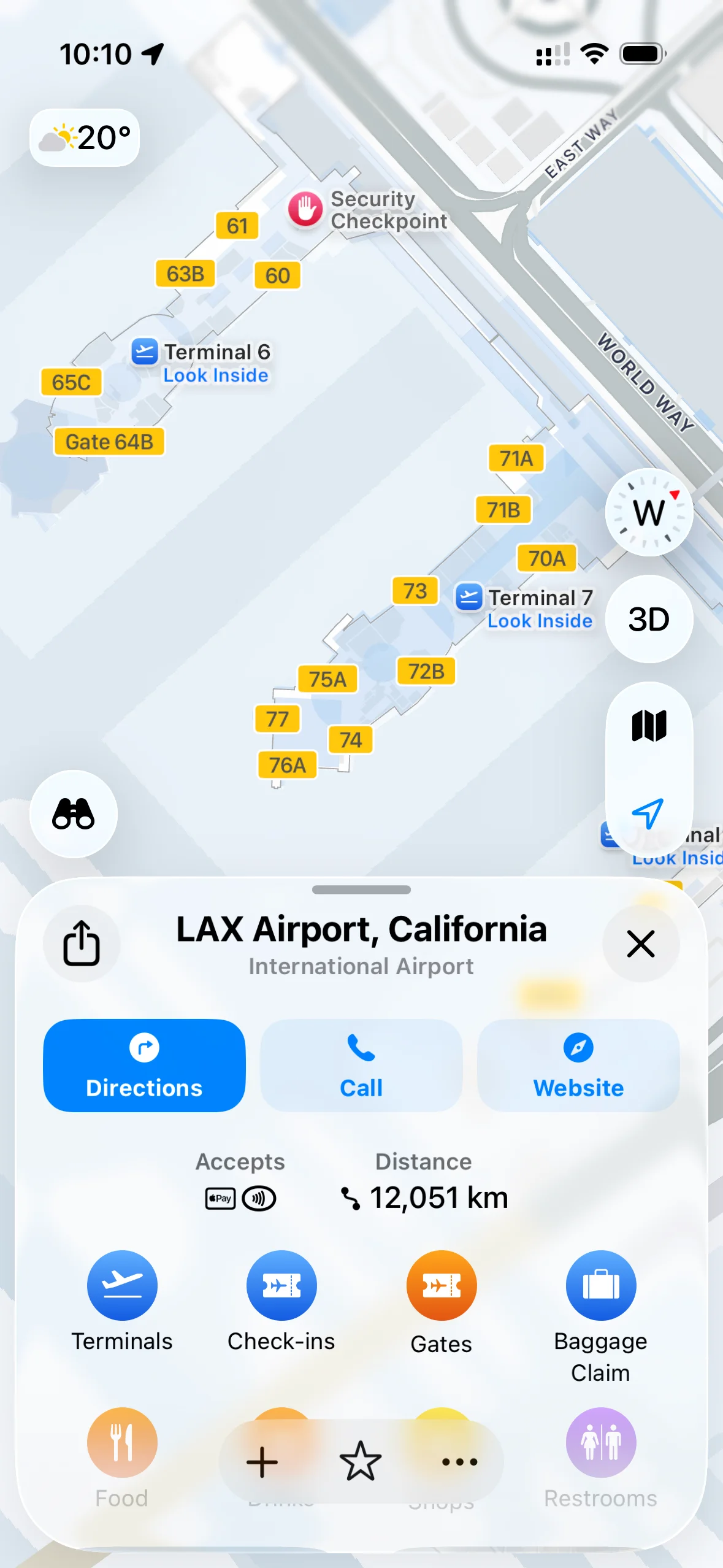
Even at airports, Apple Maps has the terminal layouts built in, gates and all. So instead of squinting at a signboard with no idea how far your gate actually is, it is just there in the app.
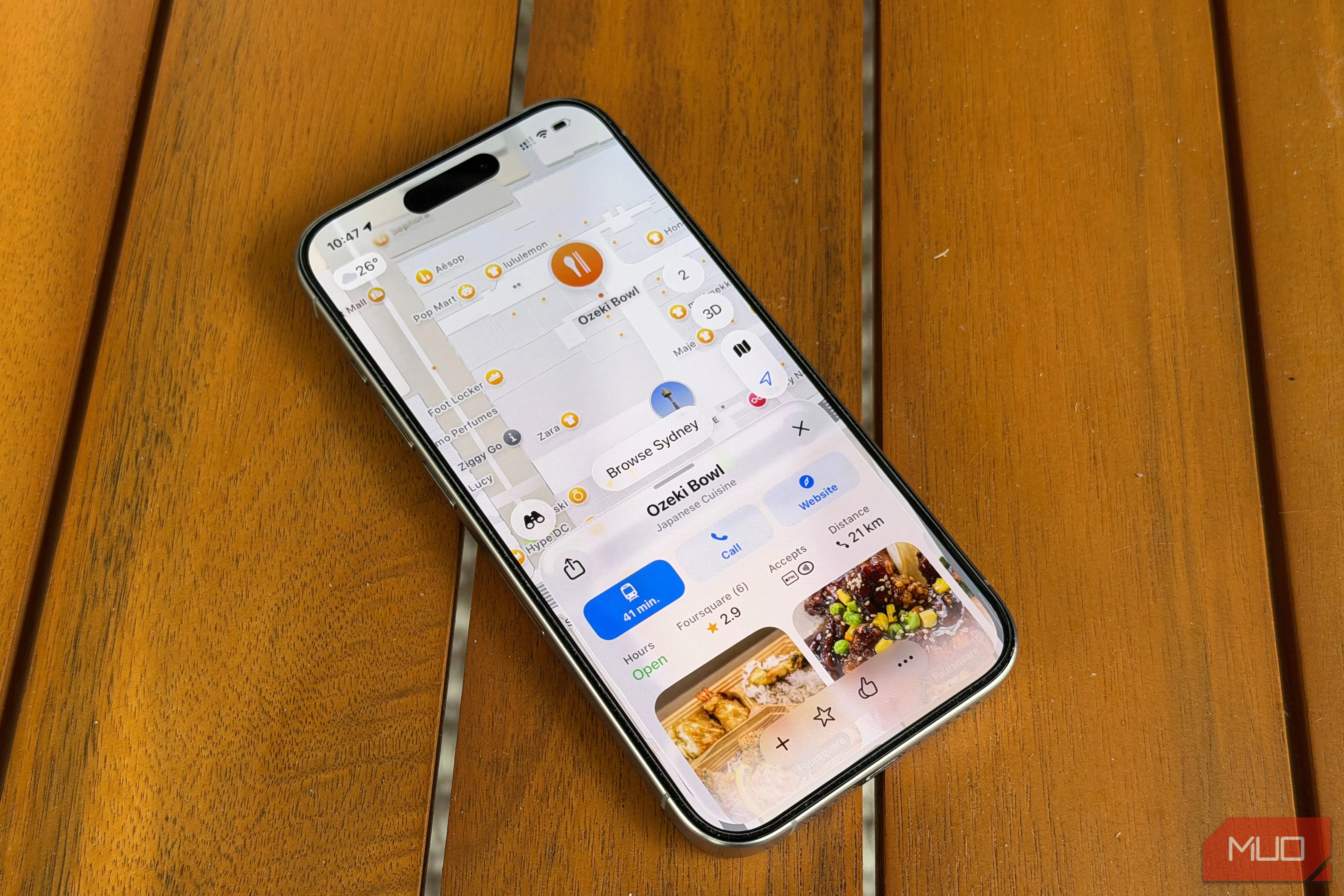
When I look up a place, Apple Maps just does it cleaner. Whether a place does takeaway, what payment methods they accept, accessibility info, it is all right there upfront. Google Maps buries that stuff under tabs, and the page loads so slowly because it is pulling in hundreds of photos before it shows you anything useful.
While we are speaking of efficiency, I even ran the numbers to compare battery usage between the two.
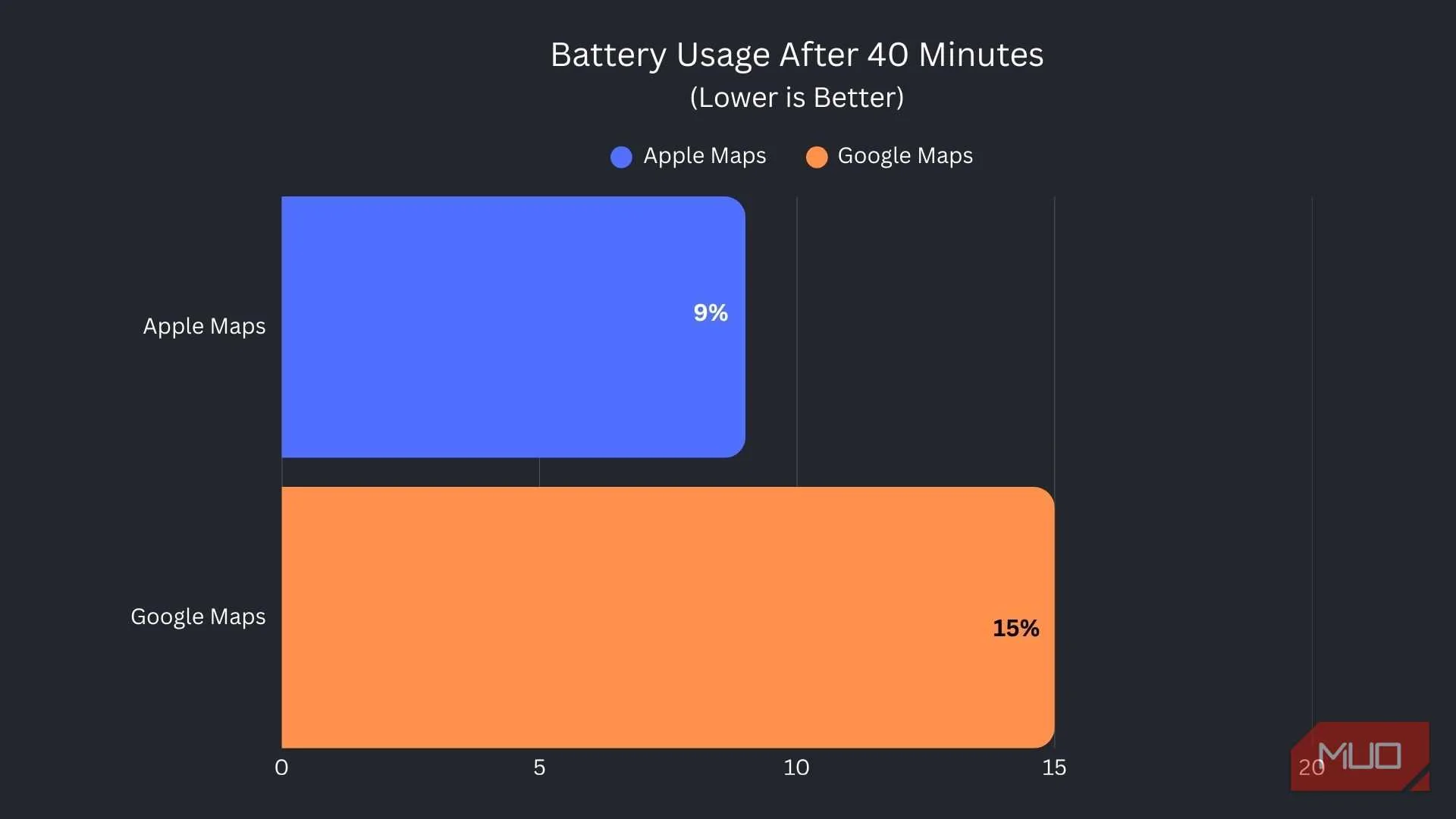
I ran both apps on the same route, for the same amount of time, starting from 100%. Apple Maps consistently used 5 - 7% less battery over a 40-minute session.
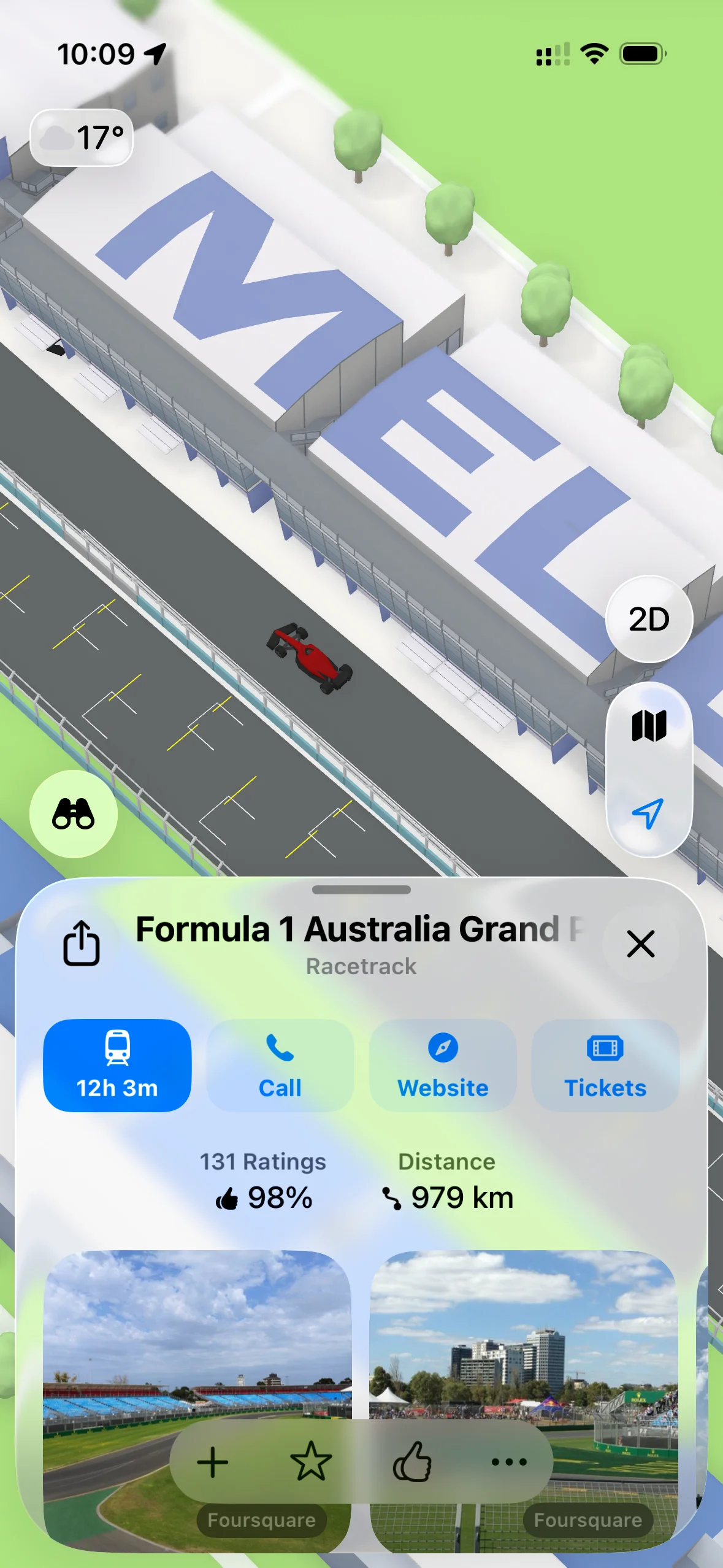
If you are into Formula 1, look up some of the circuits in 3D mode. They have modeled the actual tracks, and it is really cool to look at.
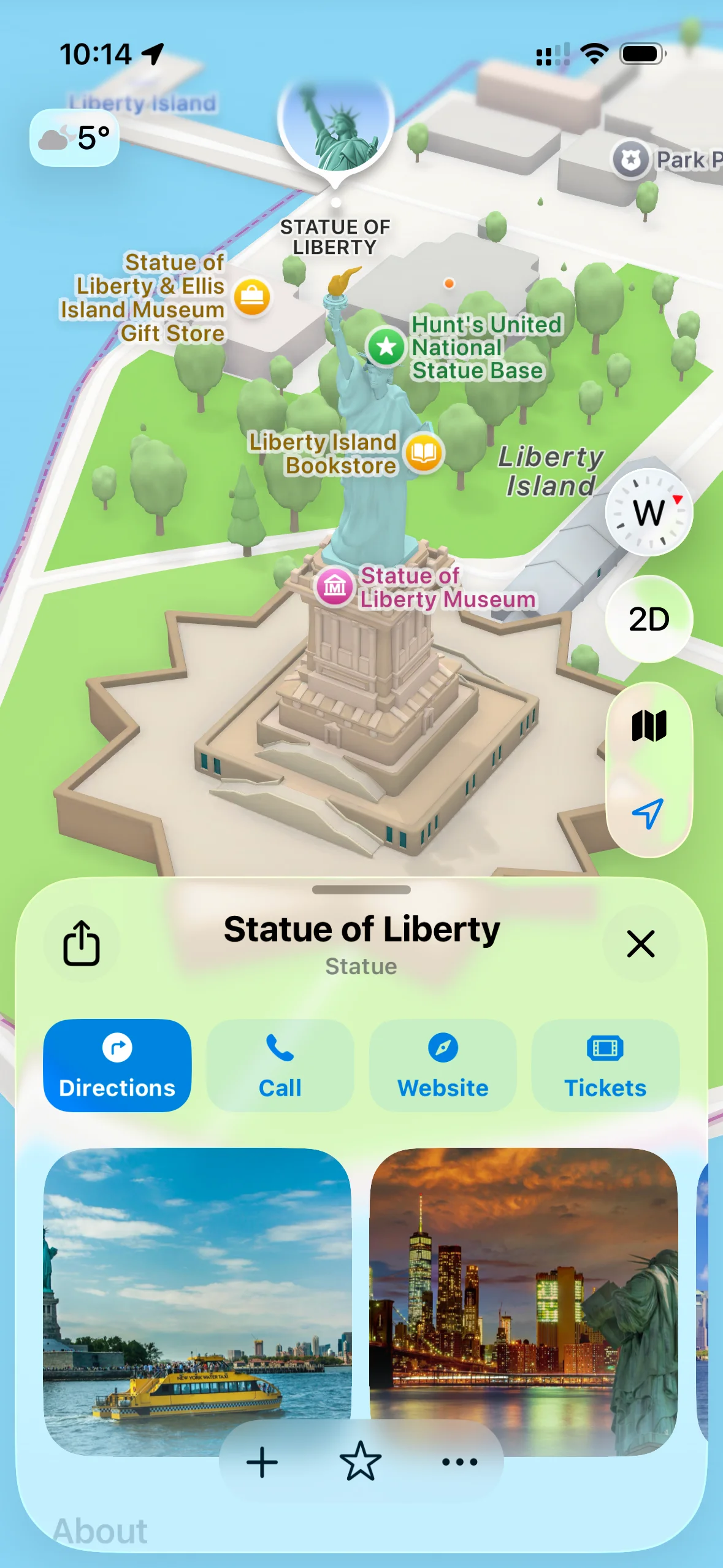
Apple Maps also does something that Google Maps just does not bother with. When you go to a famous landmark or monument, the map graphics are specifically designed for that location. It is not just a pin on a map, it actually looks like the place. The same goes for stadiums, parks, and major attractions.
It works great for me, but it might not for you
Your mileage may vary
I am based in Sydney, and Apple Maps works really well here. That is an important context, because the experience varies a lot depending on where you are in the world.
If you're traveling, you should know that South America, Southeast Asia, and other regions where Google has spent years building out its data, Apple Maps is still not there yet. Google Maps has a head start of well over a decade in those markets, and that gap does not close overnight.
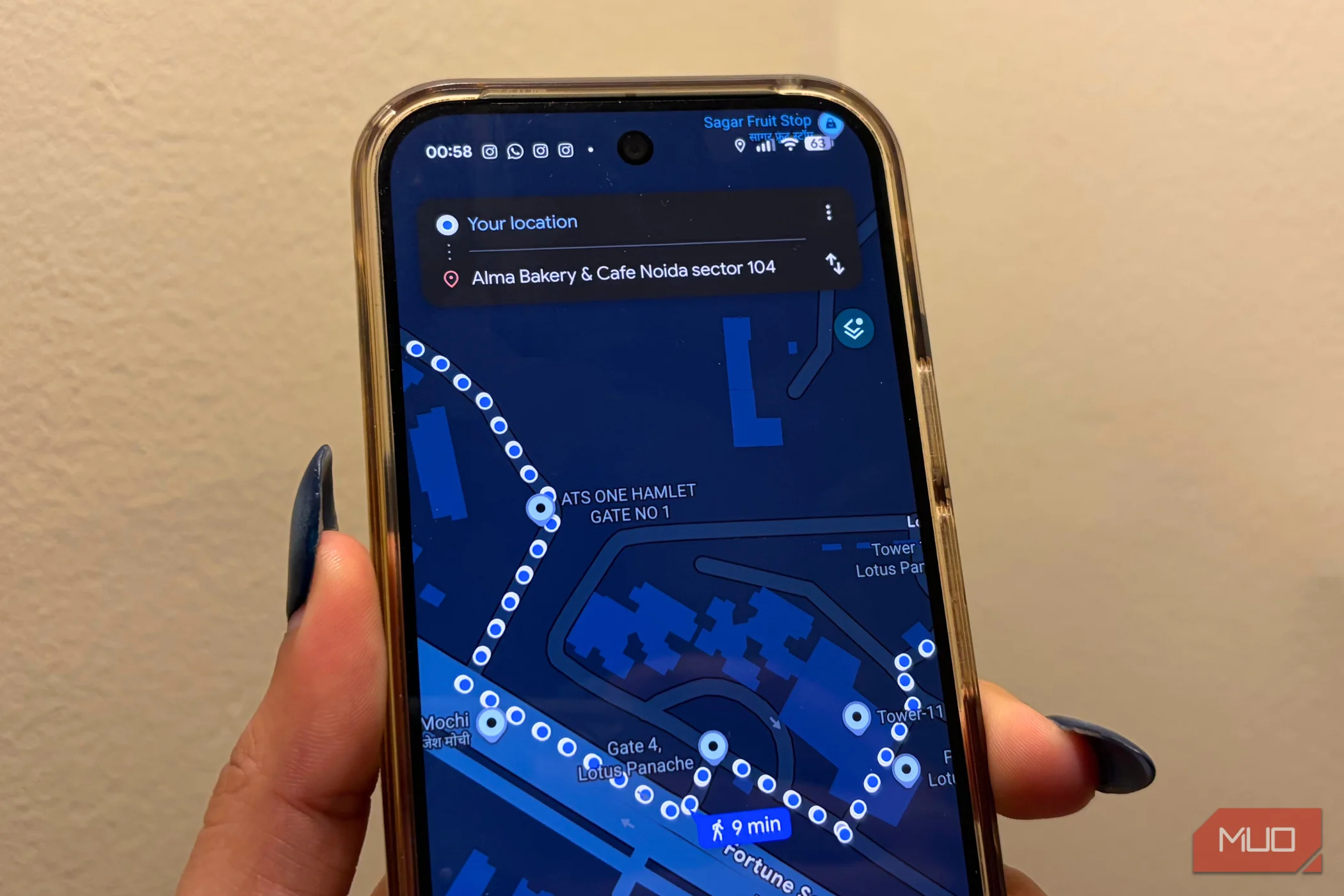
The other thing worth being honest about is the search. If you are trying to find a very specific local business, a small restaurant, or something off the beaten path, Google Maps is still more likely to deliver the right result. There are plenty of other reasons why Google Maps might be better for you.

My workflow now is I search on Google to actually find the place, and then plug it into Apple Maps for the navigation. It sounds like an extra step, but it takes about five seconds and I do not think about it anymore.
So whether Apple Maps works for you really comes down to where you live. If you are somewhere Apple has had the time to build out properly, you will probably not miss Google Maps at all. If you are not, you might want to hold off for now.

You Can Now 'Look Around' Apple Maps on the Web
Apple's take on Google Street View is now available on the web. But is it any good?
Goodbye, Google Maps (for now)
To be fair, this only really makes sense if you are on an iPhone. But in my use case, it just works better, and I am sticking with it. One thing worth mentioning, though. If you are someone who likes exploring and discovering new places, I would actually recommend pairing Gemini with Google Maps.
Siri, unlike Apple Maps, is not something Apple has managed to improve, and if AI integration in your maps app matters to you, Google Maps is still the way to go there.