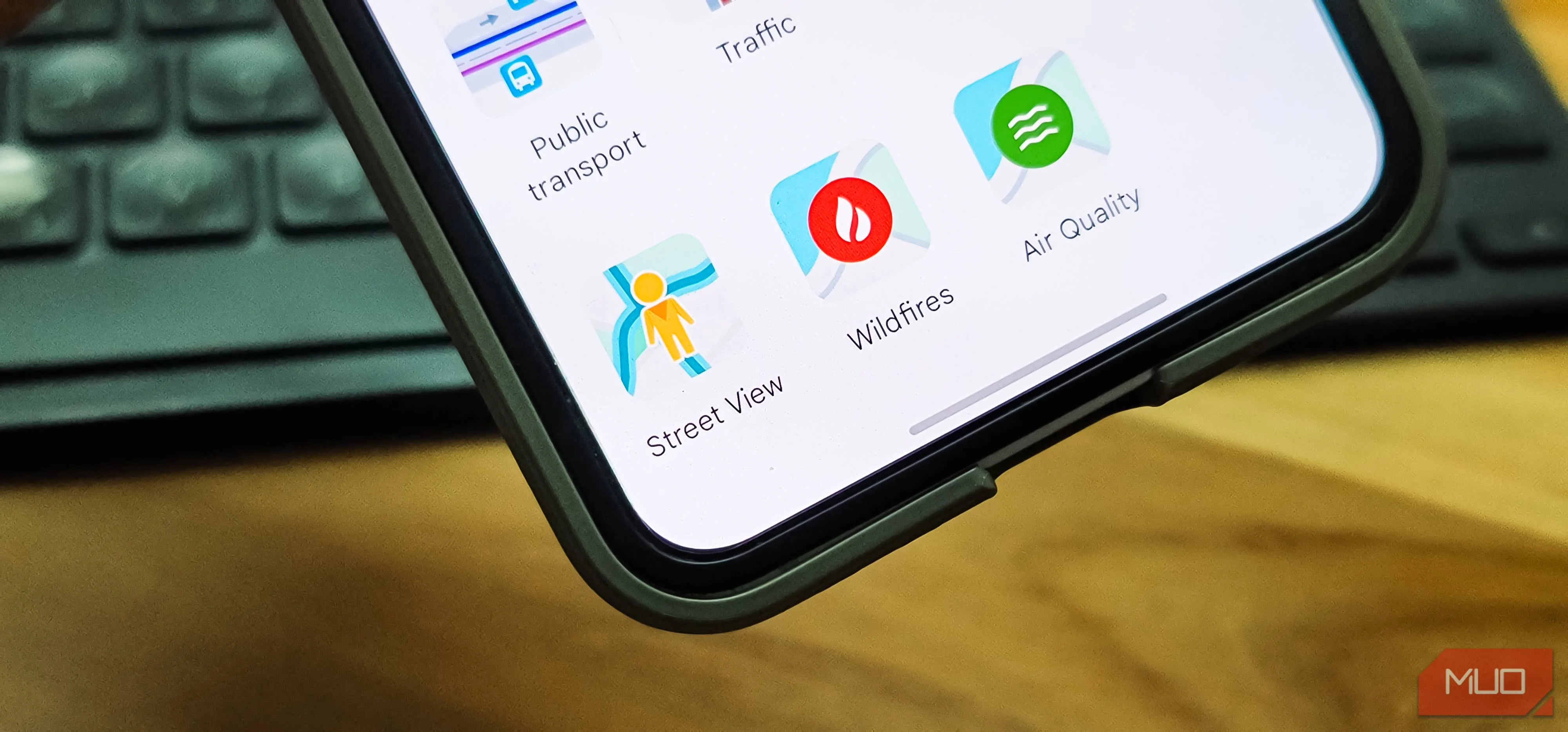

I've often seen the Street View vehicles roaming the streets with multiple cameras mounted on a tall mast. These cameras capture everything around them, letting you look around in 360 degrees on Google Maps' Street View, as if you were standing there. It's useful for locating places that aren't obvious in the map view, and it's been extremely handy when I'm on a trip or in an area I don't visit regularly. Between Street View and auto-updates for offline view, which makes navigation dramatically better, Google Maps has a lot going for it.
However, I recently looked up my own address on Street View and was genuinely surprised by what I saw. My home, the cars parked outside, the layout of my driveway, all of it was clearly visible to anyone who cared to look. When you're wary of unwelcome attention to where you live, seeing all of this casually displayed on a map feels unsettling.
What does Street View show
How Google captures and displays your surroundings
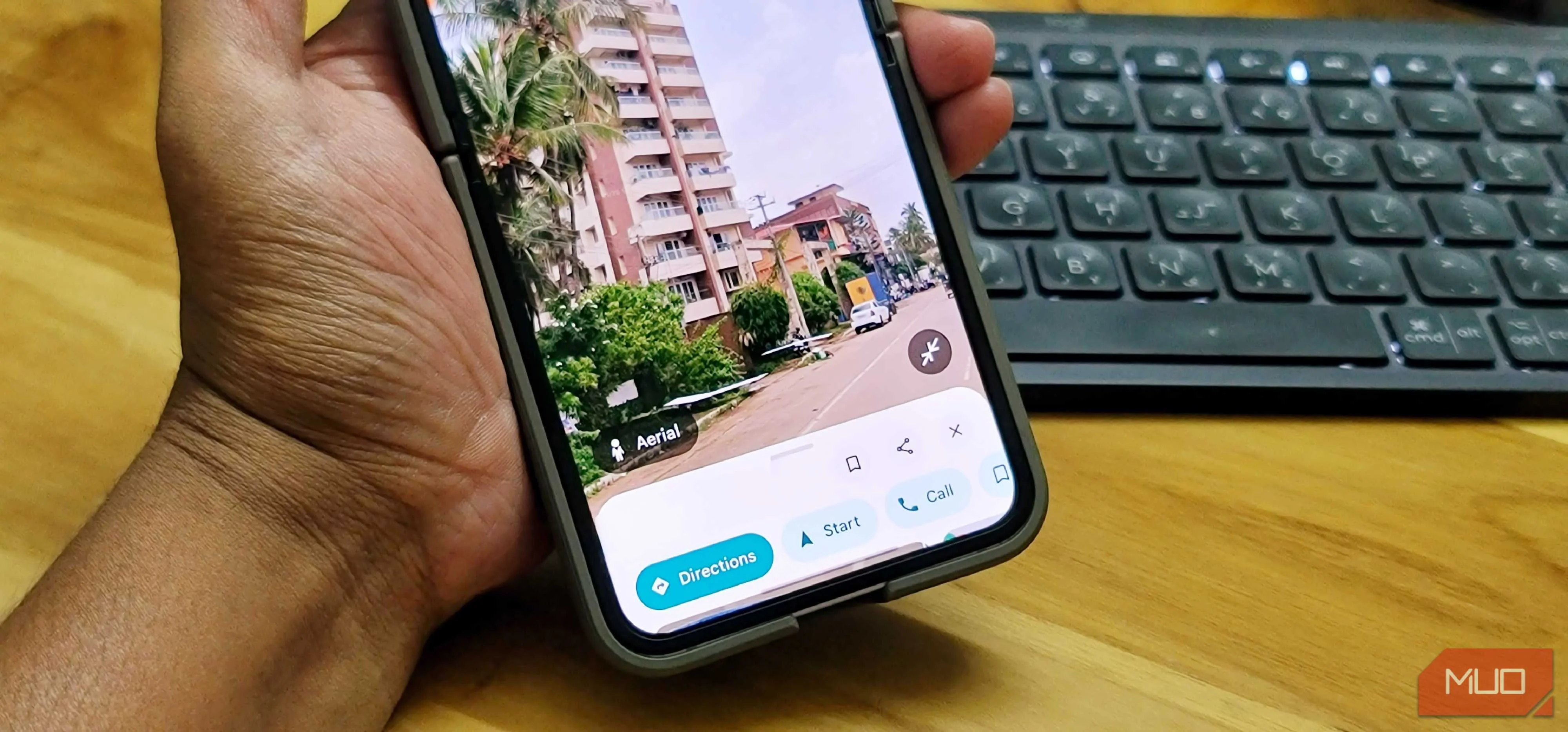
Google uses vehicles equipped with multi-lens camera systems mounted on tall poles to photograph streets across the world. These cameras capture overlapping images from multiple angles, which are then stitched together to create the seamless 360-degree views you see on the map. The process has been going on for over 15 years, and Google's fleet has covered streets in nearly every country.
This is different from Google Maps' Live View, which is an augmented reality feature that overlays directions onto your phone's camera. Street View, on the other hand, shows static photographs of real locations that anyone can browse.
And that's where the problem starts. Street View can show entry points, fences, parked vehicles, and even details like security cameras or open windows. Cybersecurity experts have pointed out that this kind of information can help burglars plan break-ins or give scammers enough detail to sound convincing. They could reference specific things about your property to gain trust, such as the colour of your car, the type of gate you have, or even a scratch on a vehicle.
You probably wouldn't post a photo of your home for everyone on the internet to see, at least not with the full address attached. But that's essentially what Street View does, and you didn't get a say in it. And this isn't just paranoia. Google was hit with a class action after its Street View cars were caught collecting personal data like emails and passwords from Wi-Fi networks while photographing streets. The case involved nearly 60 million affected people, and Google settled by paying $13 million to privacy advocacy groups.
Google Street View lets you add more blur
You can request to hide faces, homes, and license plates
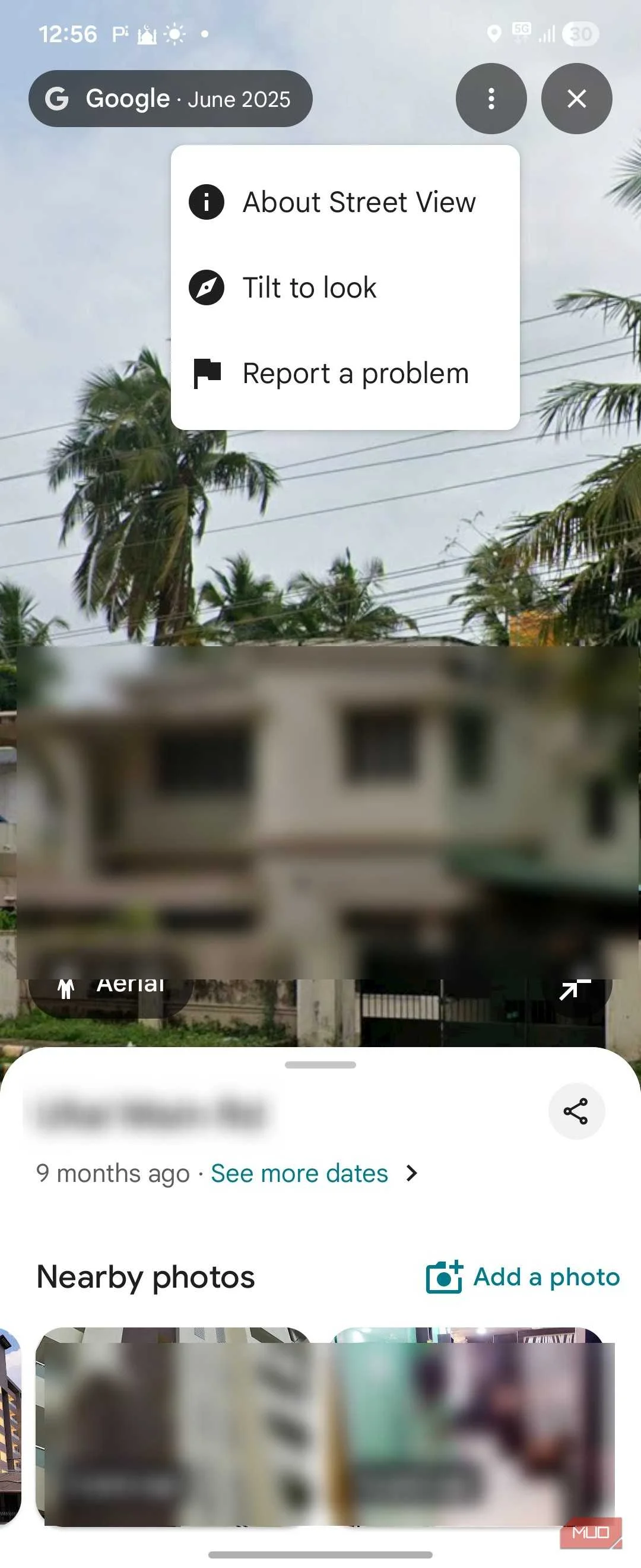
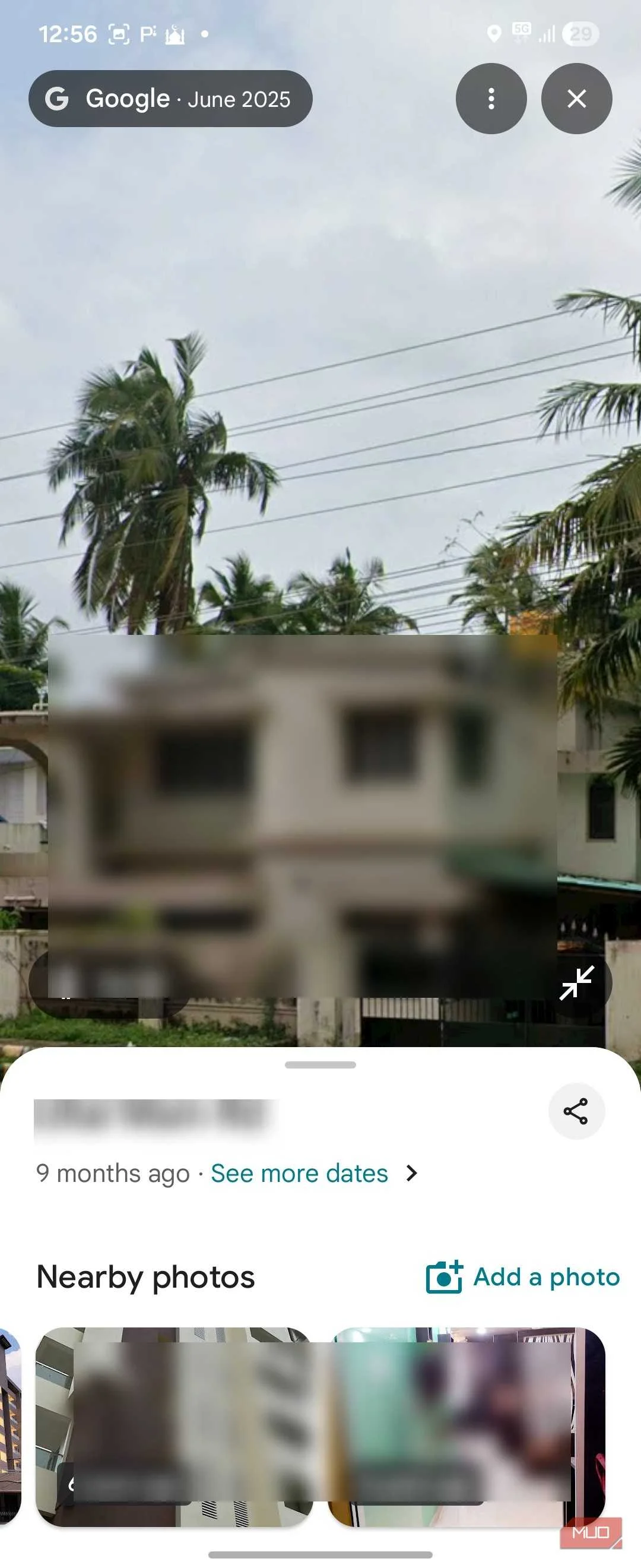
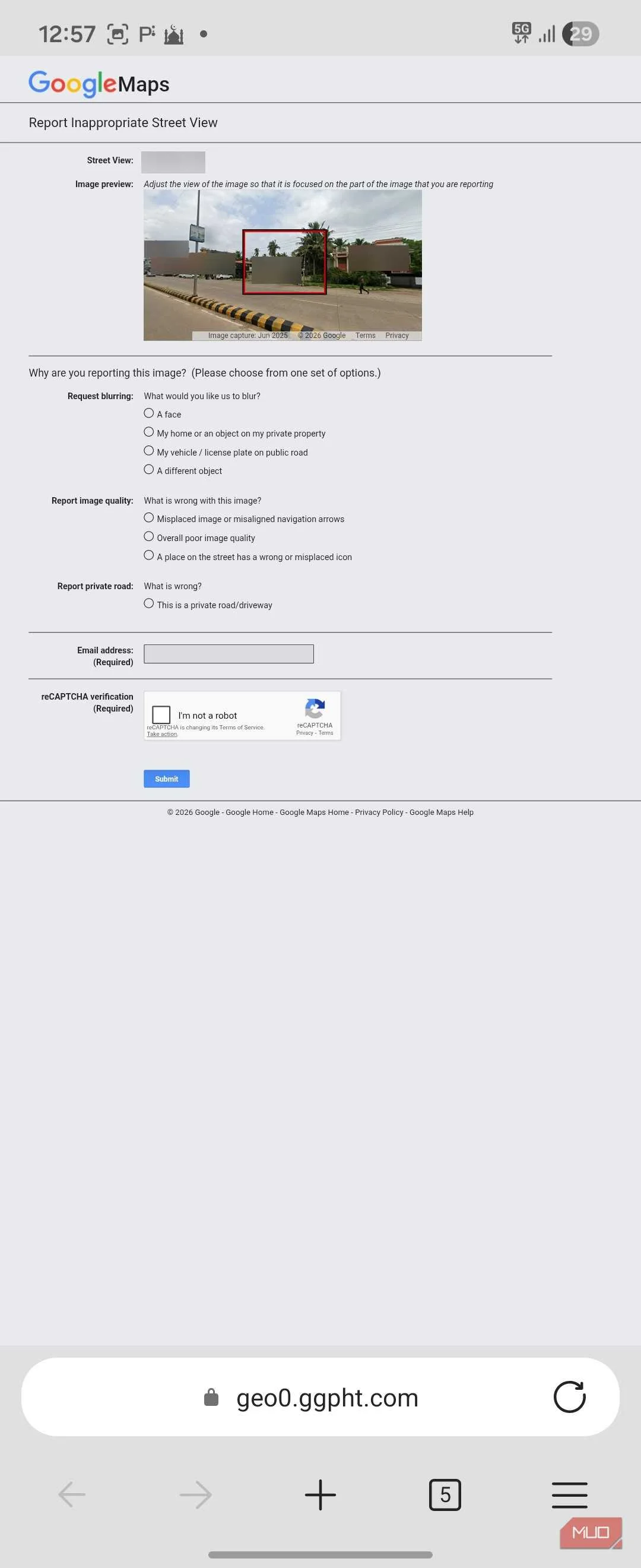
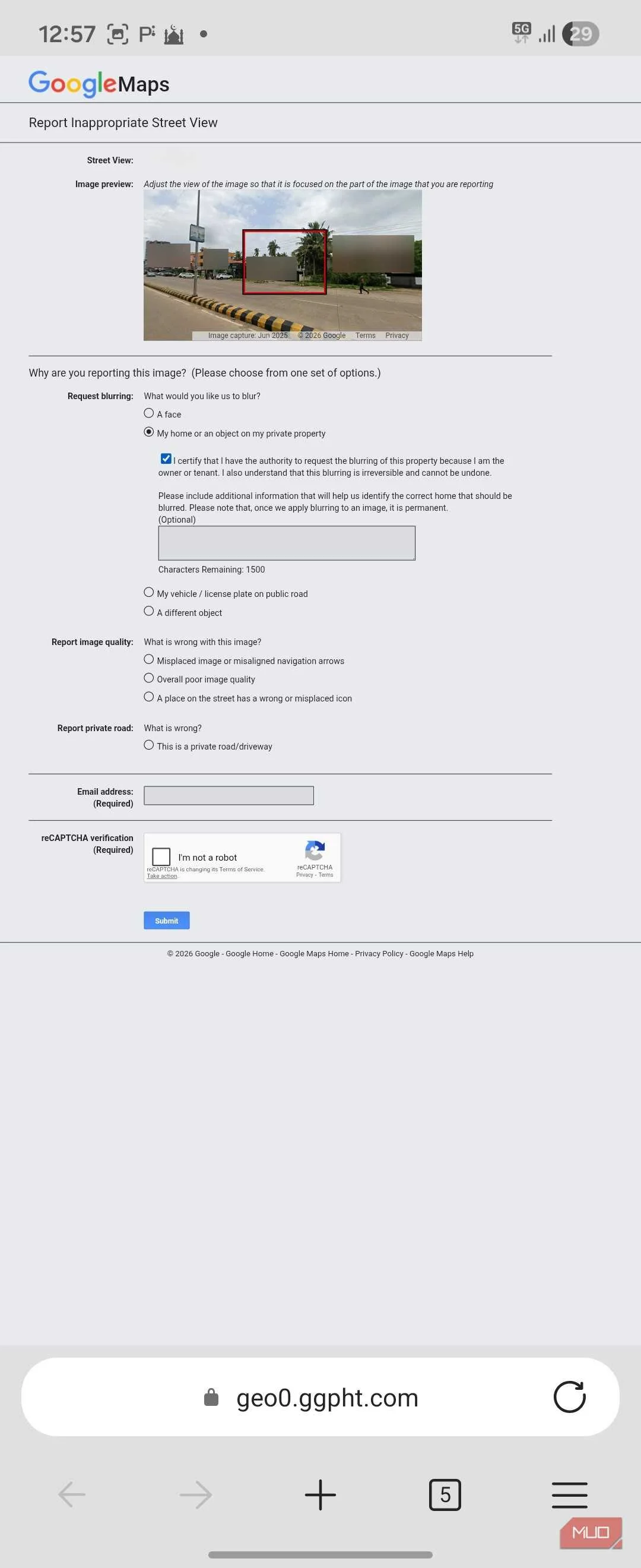
Fortunately, Google offers a way to hide your private information by blurring the objects that you don't want visible on Google Street View. You can request blurring for your entire home, your face, license plates, vehicles, and even personal items like security cameras or business signs.
The process is the same on desktop and mobile. Open Google Maps and search for your address. Enter Street View by clicking the image of your home or dragging the Pegman icon onto the street. Once you can see what you want blurred, click Report a problem at the bottom right of the Street View window.
A form opens with a red rectangle overlay on the image. You need to position and resize this box so it covers what you want hidden. Then select what you're. Options include My home, A face, My car/vehicle, License plate, or Other object. In the text box, describe what should be blurred as clearly as you can, including details like the color of your house or its position in the frame. Google reviews these requests and may email you for clarification, so make sure you provide a valid email address.
There's no fixed timeline for when the blur gets applied, but Google has said it aims to fulfill requests within a few days. Once approved, the blur applies across all platforms, including future Street View updates. If your home appears from multiple angles, you may need to submit separate requests for each view.
The blurring can't be undone
Think carefully before you request it
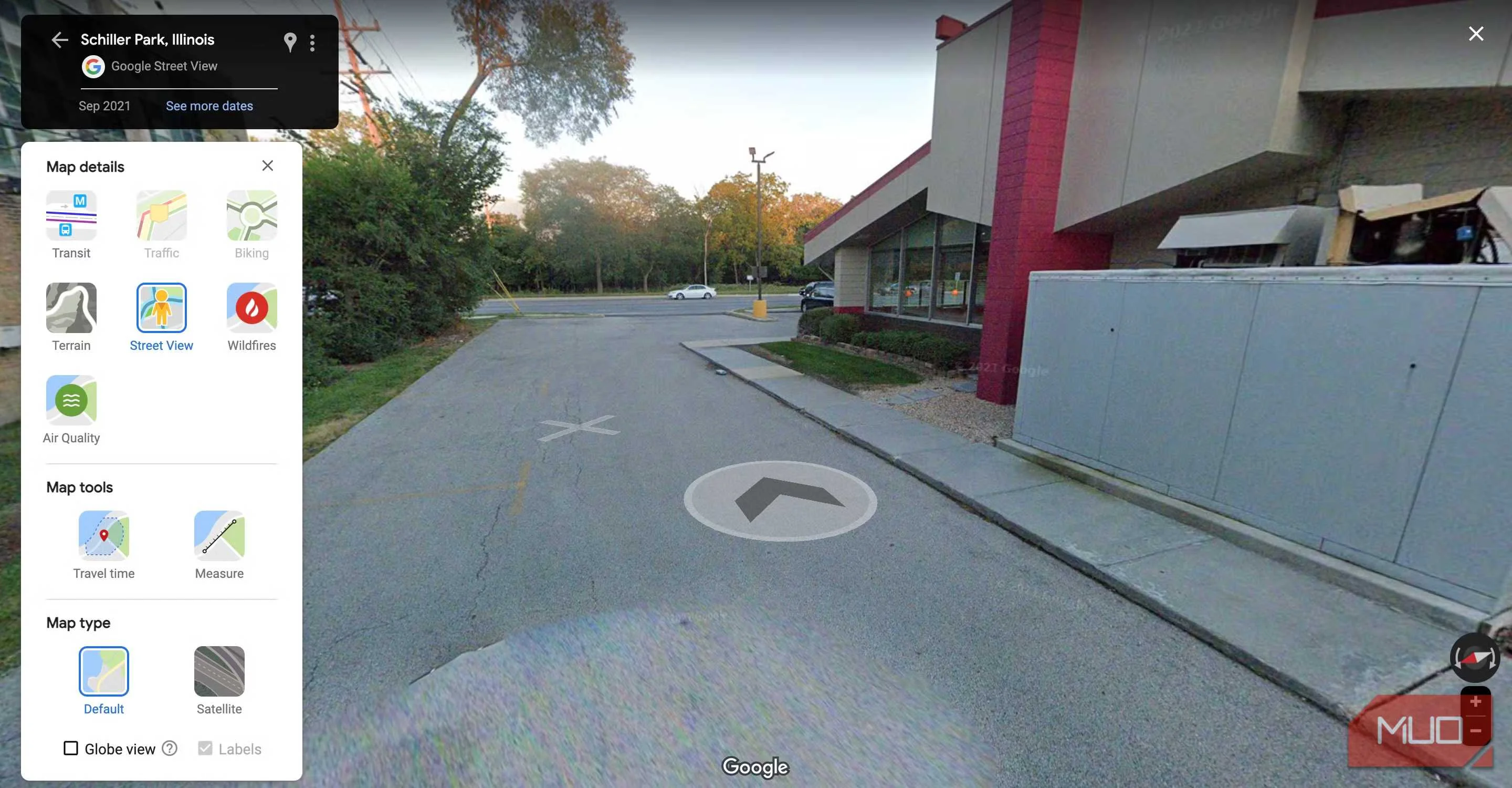
While you don't need to defend your decision as to why you don't want your home visible on a map, it's important to understand that you can't unblur the objects once the request is processed. According to Google, once an area is blurred in Street View, it stays blurred permanently, even if you change your mind or a new owner takes over the property.
This can cause regret for some people. Former homeowners have reported feeling bad that the house remains blurred years after they sold it, leaving the new owners with no way to restore visibility. Others who run home-based businesses have found that their property no longer appears properly on Street View, and there's nothing they can do about it.
So before you submit a request, treat it like a permanent decision. If you're certain you want long-term privacy for your home, the blur makes perfect sense. But if you think your needs might change, say, you're planning to sell the property or start a business from it, you might want to hold off.
Street View is useful, but your privacy matters more
Google Street View is a genuinely useful tool for navigating unfamiliar places and locating hard-to-find addresses. But it also exposes details about your home that you may not be comfortable sharing with the world. The fact that Google was sued and settled over data collection from these very vehicles tells you this isn't just about being overly cautious.
If the privacy trade-off bothers you, blurring your home is a simple step worth taking. And if you want to go further, it's also worth noting that blurring only applies to Google's service, and Apple Maps and other platforms may still show unblurred images of your property. If you want a more private mapping experience overall, I'd recommend looking at the Google Maps alternatives I tested to find one worth keeping.